The joy of moving into a new house comes to a screeching halt when you open all those boxes – old documents, duplicates, and broken stuff arrive right along with you. Data in business works similarly. With a switch to Salesforce, a company carries with it many years’ worth of contacts, accounts, and deals from the previous software. Most of this data is already obsolete, duplicated, and/or inaccurate. Salesforce data migration is a process by which such data is moved from the current database to Salesforce. If done right, it will give a fresh start; if done poorly, it will generate many issues to haunt the team for years to come.
Why Data Migration is Important?
A Salesforce system is only as good as its data. Sales reps need correct contact info. Service reps need a complete history of the customer. Managers need reliable reports. When the data is incorrect or scattered, they stop believing the system and fall back on spreadsheets.
The other benefit of clean data is saving time. There will be less time spent searching for data and more time spent on customer communication. It does not matter whether it is about big enterprises or small retailers – clean purchase history allows sending specific offers instead of general ones.
Common Obstacles to Face:
In most cases, the following obstacles appear during migration:
- Duplicates: The same customer appears three times with different spellings.
- Incomplete or outdated data: Email and phone numbers are no longer valid.
- Different format: Dates are written as day/month in one place and month/day in another.
- Several databases: The data is stored in several applications – from spreadsheets to old CRM and accounting applications.
All of these problems seem insignificant separately but can affect your project negatively when combined.
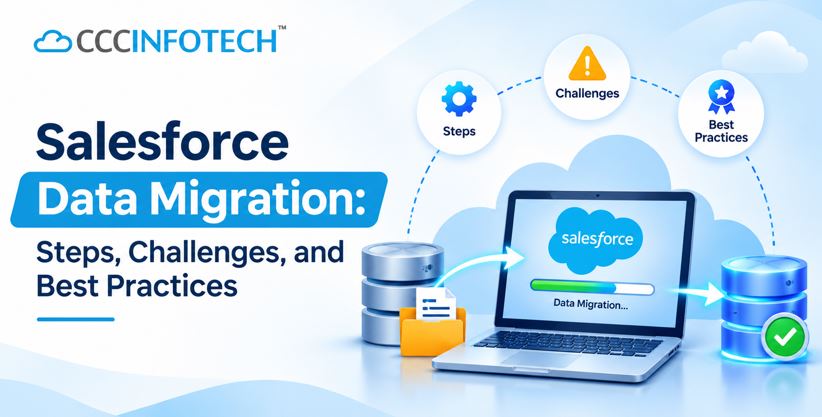
The Process, Step-by-Step:
The process typically goes through six steps.
- Assess your data. List your data sources, volumes, and required data.
- Plan the project. Define what goes where, responsible persons for particular tasks, and the time of migration completion.
- Cleaning and transformation. Eliminate any duplicated data, correct erroneous data and transform its format. This step involves the process of mapping. It includes associating each of the old fields with the new one. For instance, the field “Client Name” in one of the tools may be mapped to “Account Name”.
- Test migration in a small batch. Migrate a subset of your data and check the outcomes.
- Migration and validation. Perform migration, check record counts and samples.
- Post-migration support. People will encounter some questions in the first two weeks after migration. Make sure to solve them quickly.
What a Migration Partner Can Bring to the Table?
There are companies that perform data migration independently, especially in the case of a small volume of data. Other companies involve a partner for this job, especially if their data is stored in multiple systems or a certain platform such as NetSuite.
CloudCentric Infotech is a consulting partner for Salesforce that provides services such as assessment, cleansing, custom migration, performance tuning, and post-migration support. It is especially helpful to have a partner if the data structure is peculiar or time is limited. No matter who it is, always ask how it validates and protects data during transfer.
Tips for Moving Data:
- Prepare before moving. Migration of bad data just means moving it somewhere else.
- Begin with the essentials. Prioritize active customers and archive all others.
- Bring in your end-users. Sales and service teams know which fields are used frequently.
- Keep a backup. Have your source data until you verify that all data has been moved.
- Schedule your downtime. Time migration during periods of low activity.
Final Words!
Quality data is the main value of any implementation of Salesforce. Therefore, treat Salesforce data migration as an actual project with all the planning and testing involved, not a rushed file upload at the last minute. Begin by evaluating your existing data, deciding on the needed data and building your strategy accordingly.
Post Author
InfoWebUSA
Published: November 18, 2026