Modern companies require multiple software applications to manage sales, customer relationships, marketing, finance, and overall business operations. However, separate systems can create inefficiencies, forcing employees to switch between platforms, enter data manually, and correct inconsistencies. These challenges can affect business productivity and customer experiences. Salesforce integration services help address these issues by connecting Salesforce CRM with other business applications, allowing information to flow more efficiently between systems. Understanding how this process works and which tools are available can help businesses make informed technology decisions.
What is Salesforce integration?
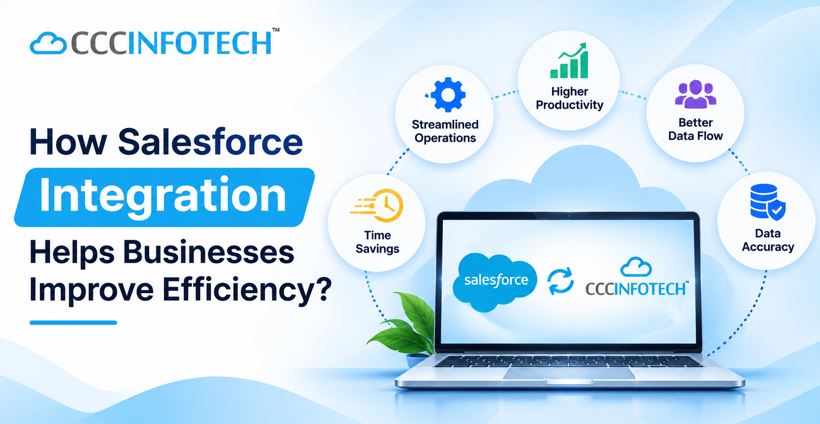
Salesforce integration is connecting Salesforce to other software, databases and systems allowing the systems to easily share data.
For example, when an order is received on your E-commerce site, data can be automatically sent to Salesforce. This will keep your sales and customer support up to date with the latest customer information.
Why is Salesforce integration important?
As businesses grow managing the data between different applications can cause issues. Integration can be used to create a connected working environment where employees can have access to accurate data.
Some benefits include:
- Increased Productivity – Automating the data sharing means fewer repeated tasks can be performed, and employees can spend more time on other important tasks.
- Improved Customer Experience – Employees will be able to view how customers have interacted with them, what they have purchased, and any service requests.
- Accurate Data – Connecting applications will reduce discrepancies and create accurate data records.
- Informed Decisions – Having up to date data will give you a better understanding of your sales processes, customer behaviors, and business activity.
- Easy to Scale – Integration allows you to easily add new applications.
What can be integrated with Salesforce?
Depending on what your organization requires, you can integrate Salesforce with various business systems. These include
- ERP – Financial, Stock and business data can be connected with customer data.
- Marketing Automation – Lead and marketing data can be synced.
- E-Commerce – Online stores such as Shopify, Magento and WooCommerce.
- Payment – Improve tracking of transactions and automate updating payment data.
- Email and Calendar – Microsoft and Outlook Exchange can be connected.
- ITSM and Chatbots – Improve handling of service requests and automatically respond to customers.
You can also connect accounting software, collaboration applications, social media sites, and computer telephony.
Salesforce Integration Steps:
Salesforce integration should be planned and carried out correctly. There are 4 main steps:
- Identify Requirements – What do you want to achieve, what applications and data do you currently have, and what do you need to integrate?
- Prepare Data – Review data and migrate required data. Deal with duplicates and discrepancies.
- Integrate and Test – Applications can be integrated using the correct APIs, middleware or bespoke development. Data can then be tested to identify any issues.
- Monitor and Support – Systems can be monitored, any issues with integration can be resolved and support can be provided.
CloudCentric Infotech Salesforce Integration:
Every company will have its own processes, requirements and ways of managing its customers. We can help your company overcome all these issues using the correct integrations.
REST & SOAP API, ERP, Marketing Automation, E-Commerce, Payment Gateways, Chatbots & Collaboration Apps We use technologies such as Salesforce APIs, MuleSoft, Dell Boomi, Jitterbit and bespoke solutions.
We focus on providing your organization with integrated technology solutions based around your business requirements. We can provide the correct Salesforce integration services to ensure your business can run smoothly, data can be shared efficiently, and an efficient foundation is provided for future growth.
Post Author
InfoWebUSA
Published: November 16, 2026